

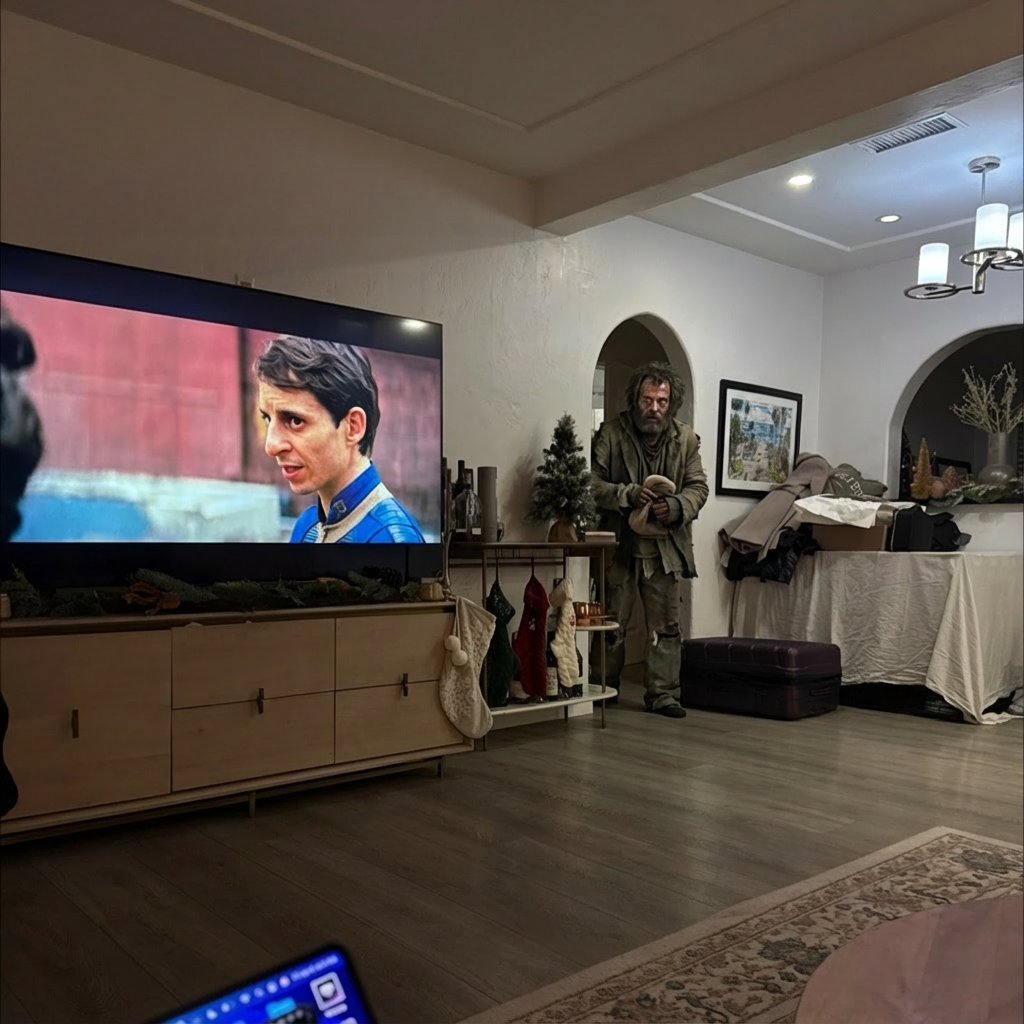
Example results generated with Gluely
Text to Video AI — Videos from Words
Generate AI videos from text descriptions. Type what you want to see and AI creates a photorealistic video. Text to video generator free on iOS.
76+
AI Styles
4.8
App Store
Free
To Start
Free on iOS · No account needed
About Text to Video AI
Gluely's text-to-video AI generates photorealistic videos from text descriptions. Simply describe the scene you want to see — characters, actions, environments, camera angles — and our AI creates a photorealistic video clip.
Powered by the latest AI video models including Kling 2.0, Veo 3.1, Sora 2, and more. Each model interprets text prompts differently, giving you options to find the perfect result for your creative vision.
How It Works
Write a Prompt
Describe the video you want — scene, characters, action, mood, camera angle.
Choose AI Model
Select from Kling, Veo, Sora, MiniMax, or Hunyuan for different styles.
Get Your Video
AI generates your video in minutes — download or edit in our video editor.
Text to Video AI Examples
Real results generated by Gluely users. Tap any style to try it.


Try Text to Video AI Free
Photorealistic results in seconds. No watermarks. Free credits to start.
Download on App StoreFree on iOS · No account required to start

Related AI Tools
Frequently Asked Questions
How does text to video AI work?
Text-to-video AI models interpret written descriptions and generate video frames that match. The AI understands motion, physics, lighting, and scene composition to create photorealistic clips from text alone.
What's the best text to video AI?
Gluely gives you access to Kling 2.0, Google Veo 3.1, OpenAI Sora 2, MiniMax, and Hunyuan — all in one app. Try different models to see which best captures your creative vision.
Can I make text to video for free?
Gluely includes free credits for text-to-video generation when you download. Try creating AI videos from text without paying. Premium subscriptions start at $7.99/week.
How long are text-to-video AI clips?
AI video clips are typically 3-10 seconds. Use Gluely's built-in video editor to combine multiple clips into longer videos — generate different scenes and stitch them together on the timeline.
Download Gluely Free
Photorealistic results in seconds. No watermarks. Free credits to start.
Download on App StoreFree on iOS · No account required to start
Published by Gluely · Updated March 2026