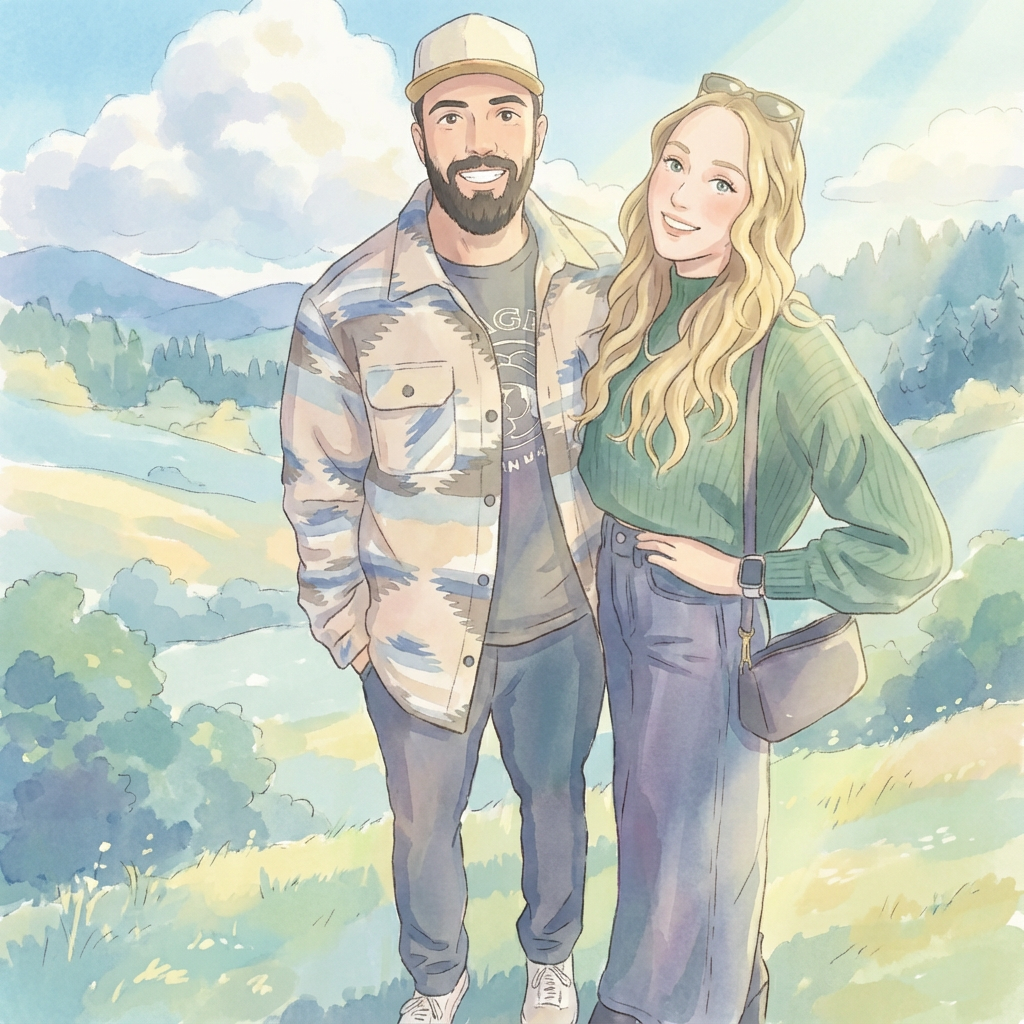
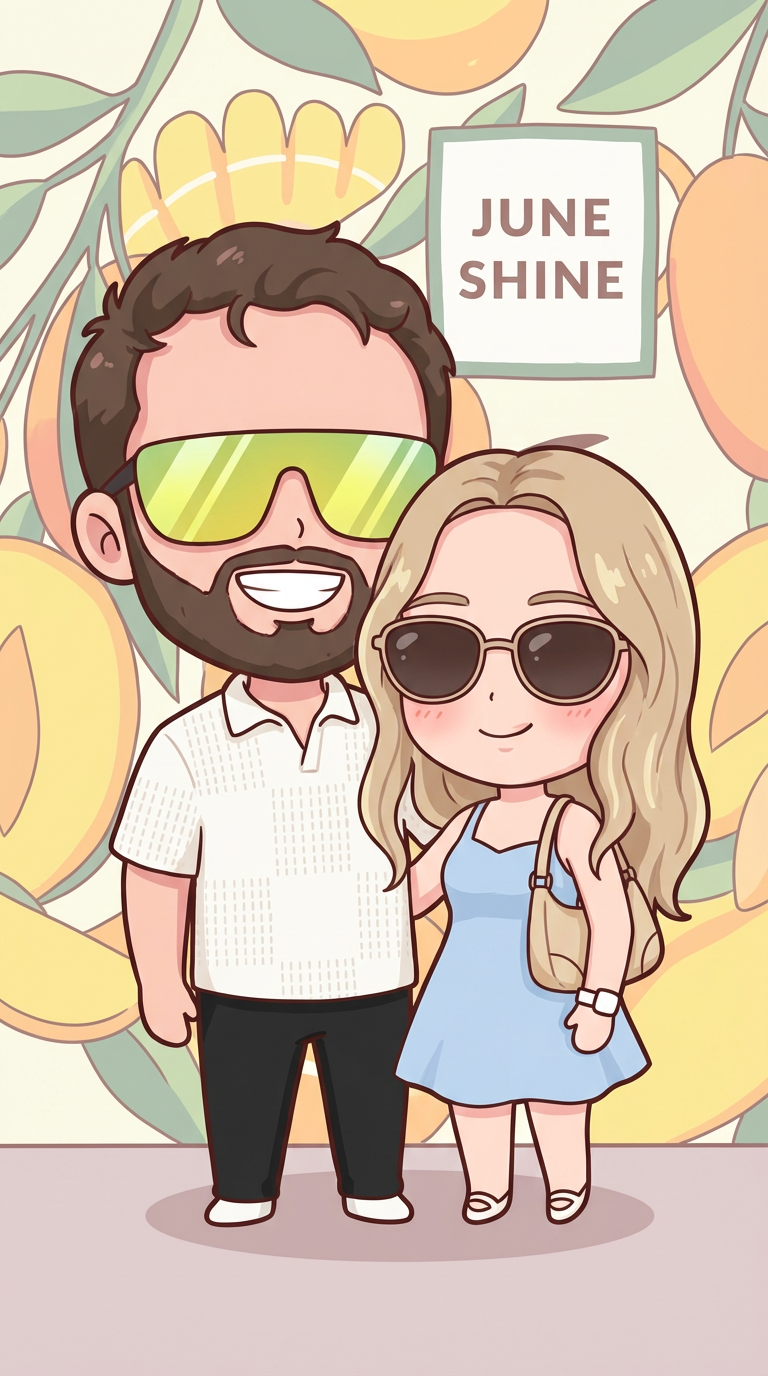
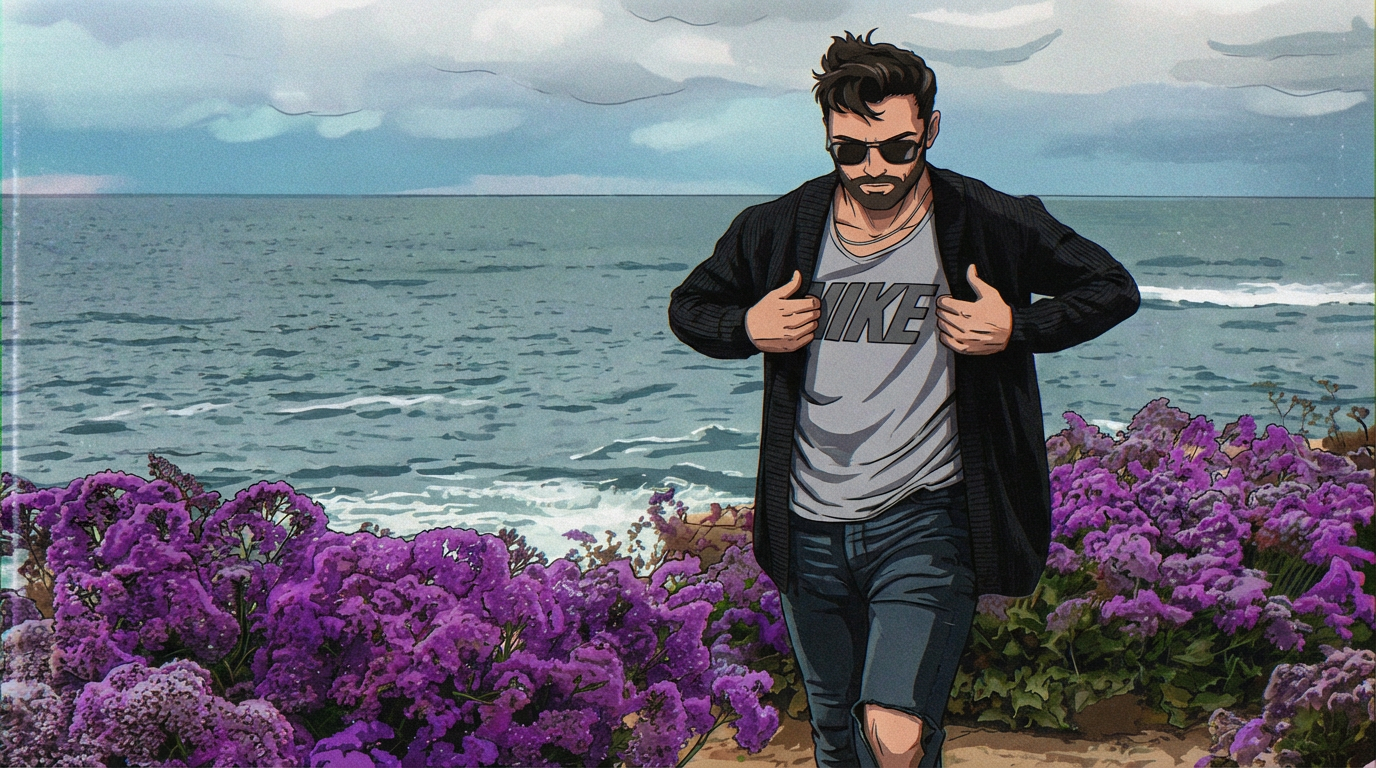
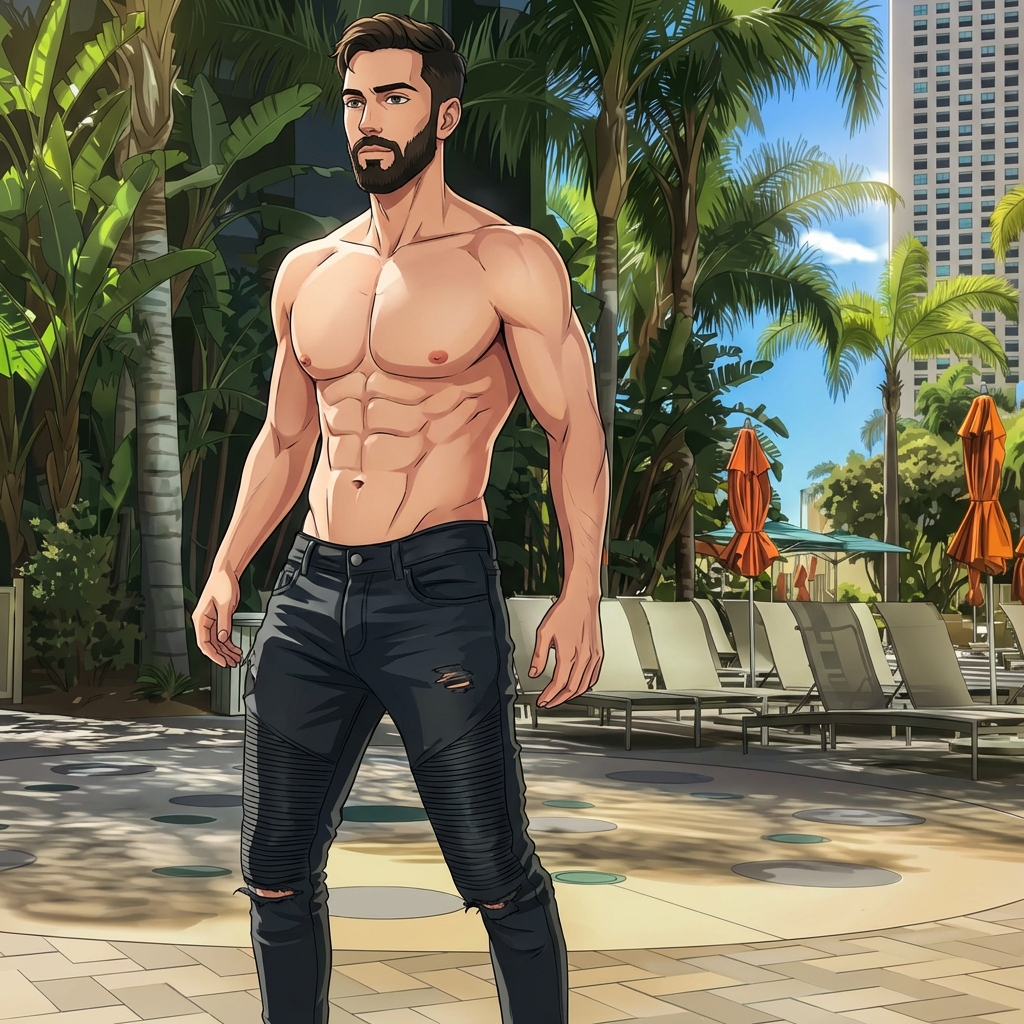
Example results generated with Gluely
AI Anime Filter — Transform Photos into Anime Art
Turn any photo into anime with AI. Studio Ghibli, manga, kawaii, and more anime styles. Photorealistic AI anime filter free on iOS.
76+
AI Styles
4.8
App Store
Free
To Start
Free on iOS · No account needed
About AI Anime Filter
Anime filter apps typically offer one generic look — big eyes, smooth skin, done. Gluely gives you 10+ distinct anime styles, each matching a specific visual language. Studio Ghibli looks nothing like cyberpunk anime, and neither should your filter results.
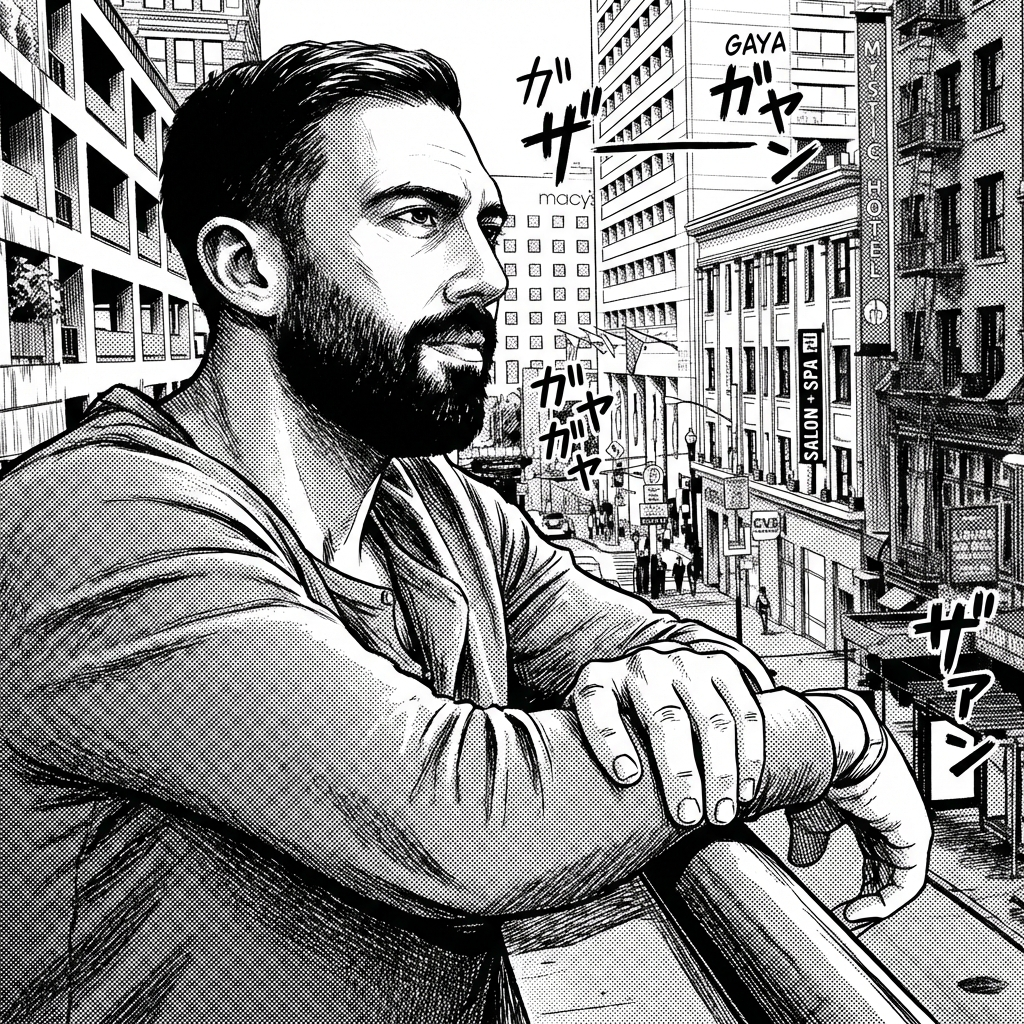
Each anime style in Gluely is built on a different model configuration with a style-specific prompt. The Ghibli style reproduces the soft watercolor backgrounds and gentle character designs of Miyazaki films. The manga style uses high-contrast linework and screentone shading. The retro anime style mimics the grain and color palette of 90s animation cels.
The AI doesn't just apply a color overlay — it regenerates your photo in the visual language of that anime style. Your facial features are preserved, but everything else — hair rendering, eye style, background treatment, line quality — is rebuilt from scratch.
Key Features
10+ distinct anime styles, not one generic filter
Studio Ghibli, retro 90s anime, modern shonen, manga panel, kawaii, cyberpunk anime, and more. Each has its own model configuration and prompt engineering for authentic results.
Facial identity preservation
The AI keeps your face recognizable while applying the anime style. Your jawline, eye shape, and proportions are maintained — you look like an anime version of yourself, not a generic character.
Full scene generation, not just a face filter
The AI doesn't just edit your face. It regenerates the entire image — background, clothing, hair, lighting — in the anime style. The result is a complete anime scene, not a face filter pasted onto a photo.
Works on any photo type
Selfies, group photos, landscapes, pets. The AI adapts to whatever you upload. Portraits produce character art. Landscapes produce background art. Pets become anime companions.
Use Cases
Anime profile pictures
Generate an anime version of yourself for Discord, Twitter, gaming profiles, or forums. Multiple styles let you match the vibe of whatever community you're in.
Couple and friend portraits
Turn couple selfies into Ghibli romance scenes or matching anime avatars. Popular for anniversary posts, matching profile pictures, and relationship content.
Fan art without drawing skills
See yourself as a character in your favorite anime aesthetic. Cyberpunk anime for Akira fans, soft kawaii for slice-of-life fans, dark manga for Berserk fans. No artistic ability required.
TikTok anime filter trend content
Anime filter transformation videos consistently trend on TikTok. Generate your anime version in Gluely, then record the before/after reveal for a viral-ready video.
How It Works
Upload Your Photo
Take a selfie or upload any photo — portraits work best for anime conversion.
Choose Anime Style
Pick from Ghibli, manga, kawaii, cyberpunk, and more anime aesthetics.
Get Your Anime Art
AI transforms your photo into anime art in seconds — save and share.
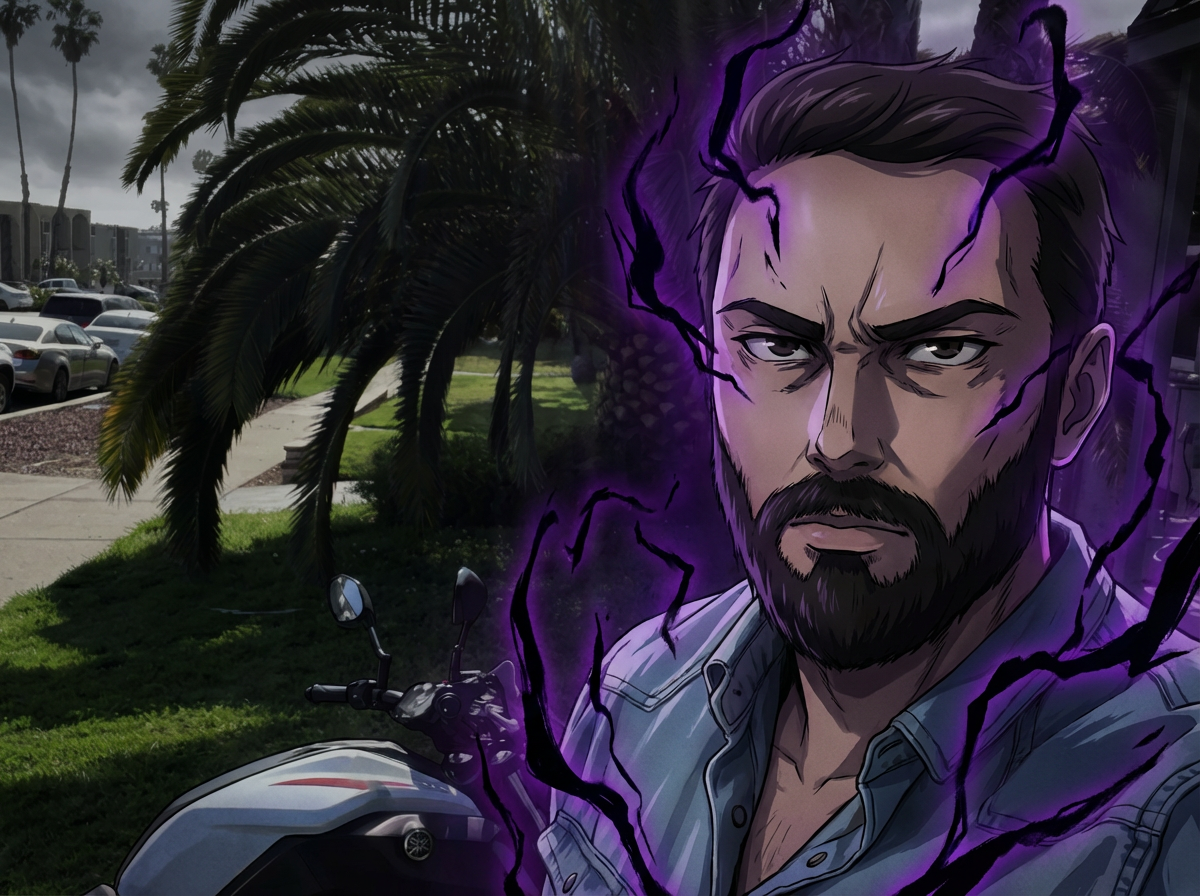
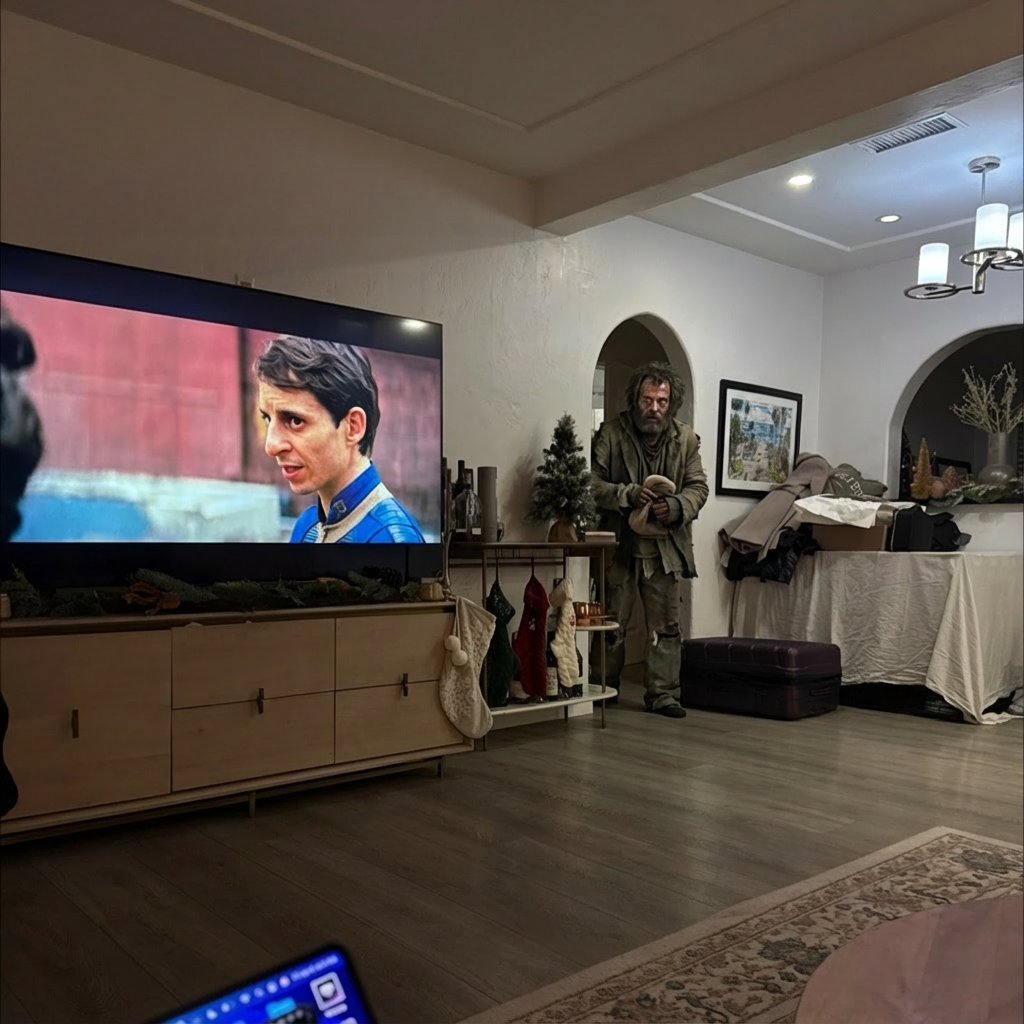
AI Anime Filter Examples
Real results generated by Gluely users. Tap any style to try it.
Try AI Anime Filter Free
Photorealistic results in seconds. No watermarks. Free credits to start.
Download on App StoreFree on iOS · No account required to start



Related AI Tools
AI Cartoon Filter
Turn any photo into a cartoon with AI. Pixar, Disney, comic book, and caricature...
AI Avatar Generator
Create high-quality AI avatars from your photos. Anime, Pixar, 3D, realistic, an...
AI Image Generator
Generate photorealistic AI images from text prompts or photos. 76+ styles includ...
Frequently Asked Questions
What is the best AI anime filter?
Gluely offers 10+ anime styles — Studio Ghibli, manga, kawaii, cyberpunk, retro 90s, and more. Most apps have one generic anime filter. Gluely gives you variety with style-specific model configurations that produce authentic results for each aesthetic.
How do I turn my photo into anime?
Download Gluely on iOS (free), upload a selfie or portrait, and pick an anime style. The AI generates your anime version in seconds. It preserves your facial features while rebuilding the image in that anime's visual style.
Is the anime filter free?
Yes. Free credits are included when you download — enough to try multiple anime styles. No subscription needed to start. Premium plans add more credits for heavy usage.
Can AI make Ghibli-style art from photos?
Yes — Ghibli is one of Gluely's most popular styles. The AI reproduces the soft watercolor backgrounds, gentle character proportions, and warm color palette of Miyazaki films. Upload any photo and it's rebuilt in that aesthetic.
Does the anime filter work on group photos?
Yes. Upload a group photo and the AI will convert all visible faces into the anime style. For the best results on individual characters, upload single portraits.
What's the difference between anime filter and cartoon filter?
Anime filters reproduce Japanese animation aesthetics (Ghibli, manga, shonen). Cartoon filters reproduce Western animation styles (Pixar 3D, Disney, comic book). Gluely offers both — separate styles for each with distinct model configurations.
Download Gluely Free
Photorealistic results in seconds. No watermarks. Free credits to start.
Download on App StoreFree on iOS · No account required to start
Published by Gluely · Updated March 2026