

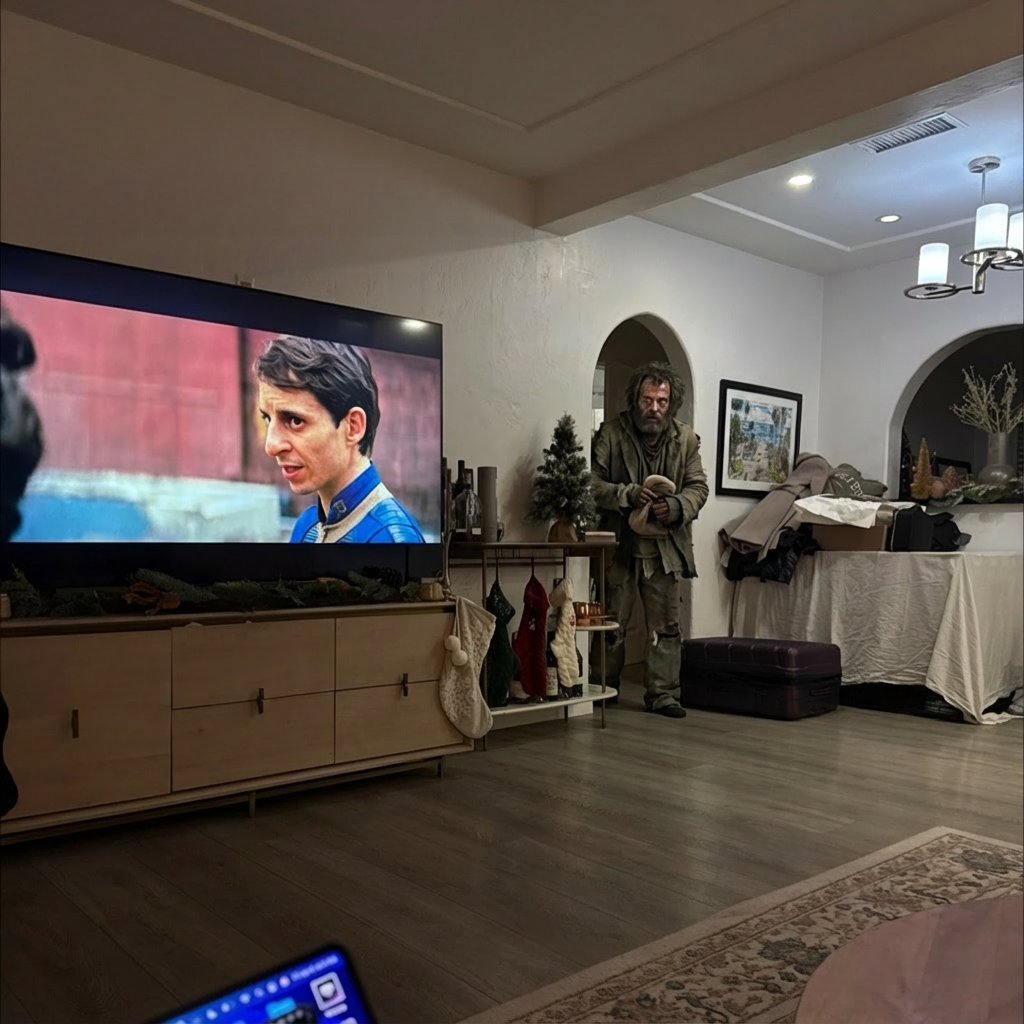
Example results generated with Gluely
AI Image Generator — Photorealistic Images in Seconds
Generate photorealistic AI images from text prompts or photos. 76+ styles including anime, Pixar, and hyperrealistic. Free AI image generator on iOS.
76+
AI Styles
4.8
App Store
Free
To Start
Free on iOS · No account needed
About AI Image Generator
Most AI image generators hand you a text box and expect you to figure out prompting on your own. Gluely takes a different approach. We pre-built 76+ styles — each one is a specific combination of AI model and prompt engineering — so you skip the trial-and-error and get a result you actually want to share.
Under the hood, Gluely routes your image through models like Nano Banana 2 (for photorealistic portraits) and Flux (for creative styles). Each style has its own tuned prompt, negative prompt, and model configuration. When you upload a selfie and pick "Ghibli," you're not just applying a filter — the AI is generating an entirely new image that preserves your face while rebuilding everything else in that visual language.
The output is a full-resolution image with no watermarks. You own it. Use it on Instagram, print it, set it as your wallpaper — it's yours.
Key Features
76+ curated styles across 17 categories
Each style is a hand-tuned combination of model + prompt. Categories include anime, 3D character, photoshoot, fantasy, cyberpunk, vintage, Y2K, fitness, and more. New styles are added regularly based on trending aesthetics.
Text-to-image and photo-to-image
Describe a scene from scratch using a text prompt, or upload an existing photo and apply a style to it. Face-based styles use your selfie as a reference. Text-based styles generate from your description alone.
My Faces — save once, reuse everywhere
Upload your face photo once and it's saved to your account. Use it across any style, character, or prank without re-uploading. The AI preserves your identity across all generations.
No watermarks, full resolution
Every image you generate is yours at full resolution. No "Generated by AI" watermarks, no downscaling. Save directly to your camera roll or share to any platform.
Use Cases
Social media content that stops the scroll
Generate eye-catching profile photos, story content, and feed posts. AI-generated images in unique styles (GTA, anime, Pixar) consistently outperform stock photos on engagement.
Professional headshots without the photographer
Upload a casual selfie and generate polished LinkedIn headshots, corporate portraits, or creative professional photos. Multiple backgrounds and lighting setups available.
Fan art and character creation
See yourself as a Ghibli character, an anime protagonist, or a fantasy warrior. AI characters let you pick a persona — gym girl, old money, bohemian — and the AI generates you in that world.
Viral content for TikTok and Reels
Before/after reveals, prank reactions, and AI transformation videos consistently go viral. Generate the AI image in Gluely, then record the reveal for millions of views.
How It Works
Choose a Style
Browse 76+ AI styles — anime, realistic, artistic, cinematic, and more.
Upload or Describe
Upload a photo or enter a text prompt. AI generates your image in seconds.
Download & Share
Save your AI image in full resolution or share directly to social media.
AI Image Generator Examples
Real results generated by Gluely users. Tap any style to try it.


Try AI Image Generator Free
Photorealistic results in seconds. No watermarks. Free credits to start.
Download on App StoreFree on iOS · No account required to start

Related AI Tools
Frequently Asked Questions
What is the best free AI image generator?
Gluely is one of the best free AI image generators on iOS. It offers 76+ pre-built styles so you skip the prompting — just pick a look and upload a photo. Free credits are included when you download. No subscription required to start generating.
How does AI image generation work?
AI image generators use diffusion models trained on millions of images. You provide an input (text prompt or photo), and the model generates a new image from noise, guided by your input. Gluely uses Nano Banana 2 and Flux — each style has a pre-configured prompt so the model knows exactly what aesthetic to produce.
Can I generate AI images from text?
Yes. Gluely supports text-to-image — describe a scene, character, or concept and the AI generates it. You can also upload a photo to transform with any of the 76+ styles. For AI Characters, upload your face and pick a persona.
Are AI generated images free to use?
Images you generate with Gluely are yours. No watermarks, full resolution. Free credits are included on signup. Premium subscriptions ($7.99/week) add more credits for heavy usage.
What AI models does Gluely use?
Gluely uses multiple AI models depending on the style. Nano Banana 2 handles photorealistic portraits and AI characters. Flux powers creative and artistic styles. Specialized models handle face swap, background removal, and upscaling. Each style is routed to the best model for that specific look.
How is Gluely different from Midjourney or DALL-E?
Midjourney and DALL-E require you to write prompts and tweak settings. Gluely pre-builds all of that into styles — you pick a look, upload a photo, and tap generate. It's designed for people who want results, not people who want to learn prompt engineering.
Download Gluely Free
Photorealistic results in seconds. No watermarks. Free credits to start.
Download on App StoreFree on iOS · No account required to start
Published by Gluely · Updated March 2026