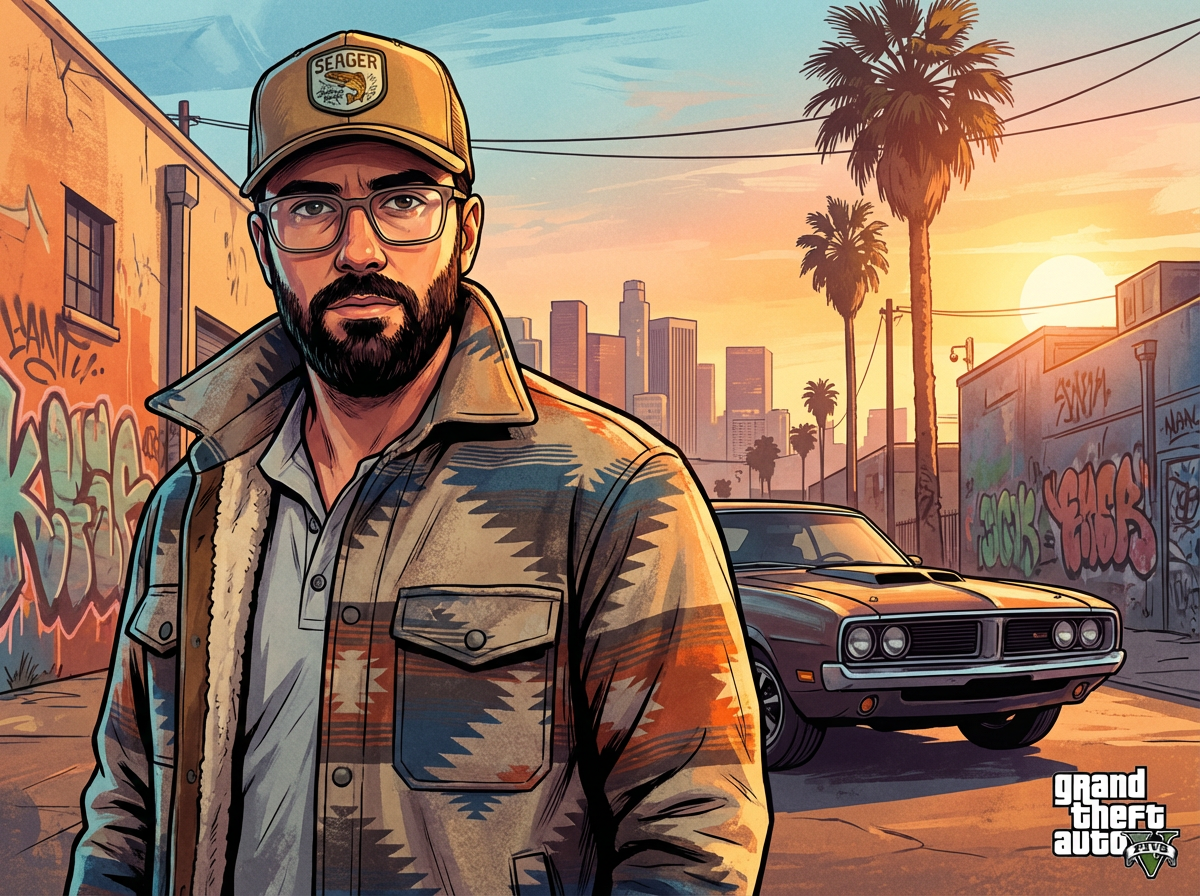
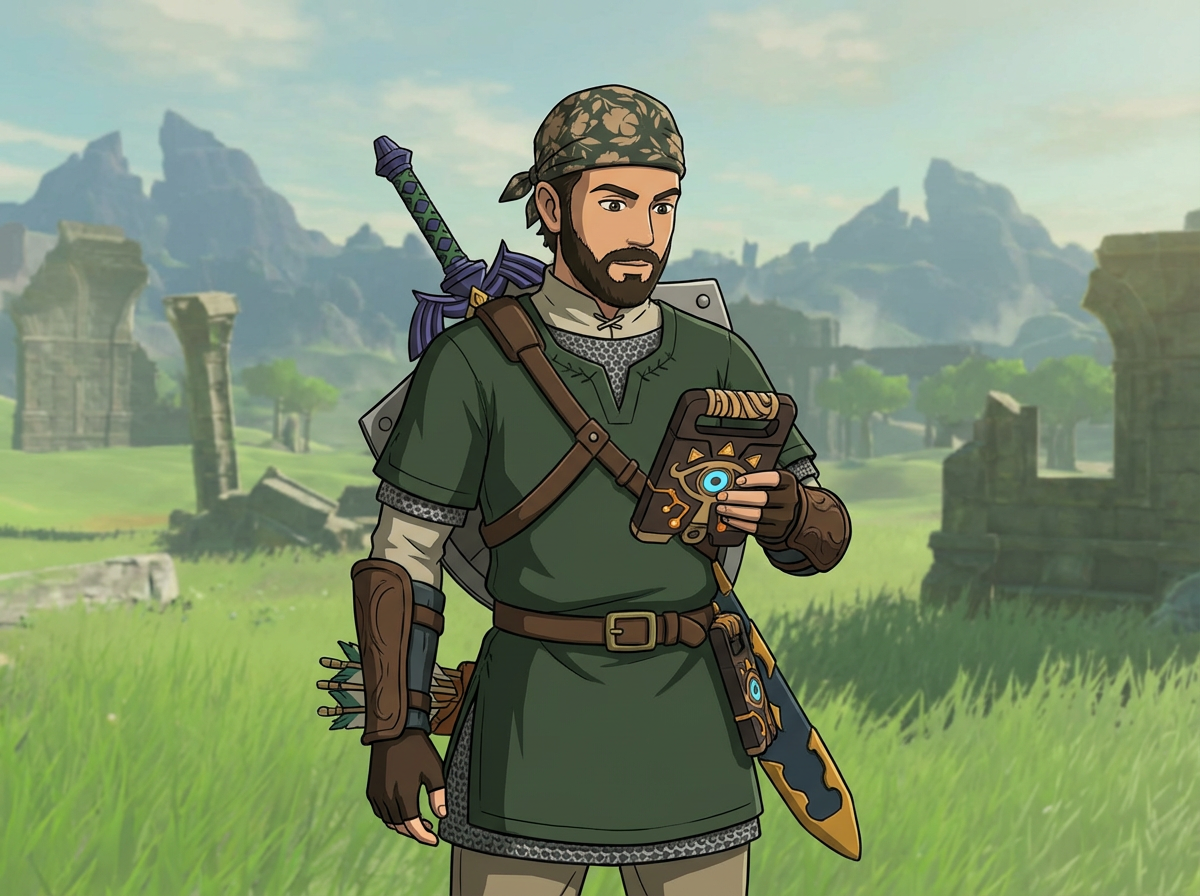


Example results generated with Gluely
Roblox Avatar Generator: See Yourself as a Roblox Character
Turn a selfie into a Roblox-style avatar with AI. Blocky 3D character render from your photo in seconds, free to try on iOS. No Robux needed.
76+
AI Styles
4.8
App Store
Free
To Start
Free on iOS · No account needed
About Roblox Avatar Generator: See Yourself as a Roblox Character
Roblox's built-in avatar editor lets you dress up a standard rig, but it can't answer the question every player actually asks: what would I look like as a Roblox character? Gluely's AI does exactly that. Upload a selfie and it generates a blocky, plastic-textured Roblox-style render of you, keeping your hair, outfit vibe, and expression recognizable.
This isn't a template with your face pasted on. The AI rebuilds your photo in the Roblox aesthetic: smooth plastic skin, simplified geometry, bright saturated colors, and that unmistakable studio-render look. The result works as a profile picture, a YouTube thumbnail, or just something to send the group chat.
You get a full-resolution image with no watermark. It's a fan-style render for fun and content, not an official Roblox item, so you can't wear it in-game, but you can post it anywhere.
Key Features
Photo to Roblox-style render in seconds
Upload one photo and the AI generates a blocky 3D character render in the Roblox aesthetic. No prompt writing, no settings to tune.
Keeps you recognizable
Hair color, outfit style, and expression carry over from your photo, so the avatar reads as you, not a random character.
More game styles included
The same photo works across the whole video game category: GTA loading screen, Fortnite skin, Zelda, and fantasy RPG renders.
No watermarks, full resolution
Save straight to your camera roll and use it as a pfp, thumbnail, or Discord avatar. The image is yours.
Use Cases
Profile pictures and Discord avatars
A Roblox-style render of your actual face stands out in any server or friend list full of default avatars.
YouTube and TikTok thumbnails
Roblox content creators use AI character renders for thumbnails and channel art that match the game without screenshotting the editor.
Group chat and friend content
Generate the whole friend group as Roblox characters. Before/after reveals of real photo vs Roblox render do well as short-form content.
How It Works
Upload a Photo
A clear, well-lit photo works best. Full-body shots give the AI more to work with.
Pick the Roblox Avatar Style
Find it in the Video Game category. The AI generates your blocky render in seconds.
Save & Share
Download in full resolution and use it as your pfp, thumbnail, or post.
Roblox Avatar Generator: See Yourself as a Roblox Character Examples
Real results generated by Gluely users. Tap any style to try it.
Try Roblox Avatar Generator: See Yourself as a Roblox Character Free
Photorealistic results in seconds. No watermarks. Free credits to start.
Download on App StoreFree on iOS · No account required to start



Related AI Tools
AI Avatar Generator
Create high-quality AI avatars from your photos. Anime, Pixar, 3D, realistic, an...
AI Cartoon Filter
Turn any photo into a cartoon with AI. Pixar, Disney, comic book, and caricature...
AI Image Generator
Generate photorealistic AI images from text prompts or photos. 76+ styles includ...
Frequently Asked Questions
Is there a free AI Roblox avatar generator?
Yes. Gluely includes free credits when you download the iOS app, enough to generate your first Roblox-style avatars without paying. Premium subscriptions add more credits for heavy use.
Can I use the generated avatar in Roblox?
No. This creates a Roblox-style image of you, not an in-game item. Roblox only allows avatars built through its own editor and marketplace. Use the render as a profile picture, thumbnail, or social content instead.
How does the AI turn my photo into a Roblox character?
The AI analyzes your photo and regenerates it in the Roblox aesthetic: blocky proportions, smooth plastic textures, and bright colors, while preserving recognizable features like your hair and outfit.
What photo works best?
A well-lit, front-facing photo. Full-body shots produce the best full-character renders. Avoid heavy filters or sunglasses so the AI can read your features.
Download Gluely Free
Photorealistic results in seconds. No watermarks. Free credits to start.
Download on App StoreFree on iOS · No account required to start
Published by Gluely · Updated March 2026