


Example results generated with Gluely
AI Photo Relighting — Studio Lighting for Any Photo
Change lighting in any photo with AI. Add studio lighting, golden hour, dramatic shadows, or natural light. Professional relighting free on iOS.
76+
AI Styles
4.8
App Store
Free
To Start
Free on iOS · No account needed
About AI Photo Relighting
Gluely's AI relighting technology transforms the lighting in any photo. Add studio-quality lighting to selfies, create golden hour effects, add dramatic shadows, or simulate natural window light — all from a single photo taken in any conditions.
Professional photographers spend hours on lighting setups. Our AI simulates complex lighting environments in seconds, understanding 3D facial structure and scene geometry to produce physically accurate results.
How It Works
Upload Your Photo
Select any photo — selfies, portraits, or product shots work great.
AI Relights
Our AI analyzes the scene and applies new lighting with realistic shadows and highlights.
Download Result
Save your professionally lit photo — looks like it was shot in a studio.
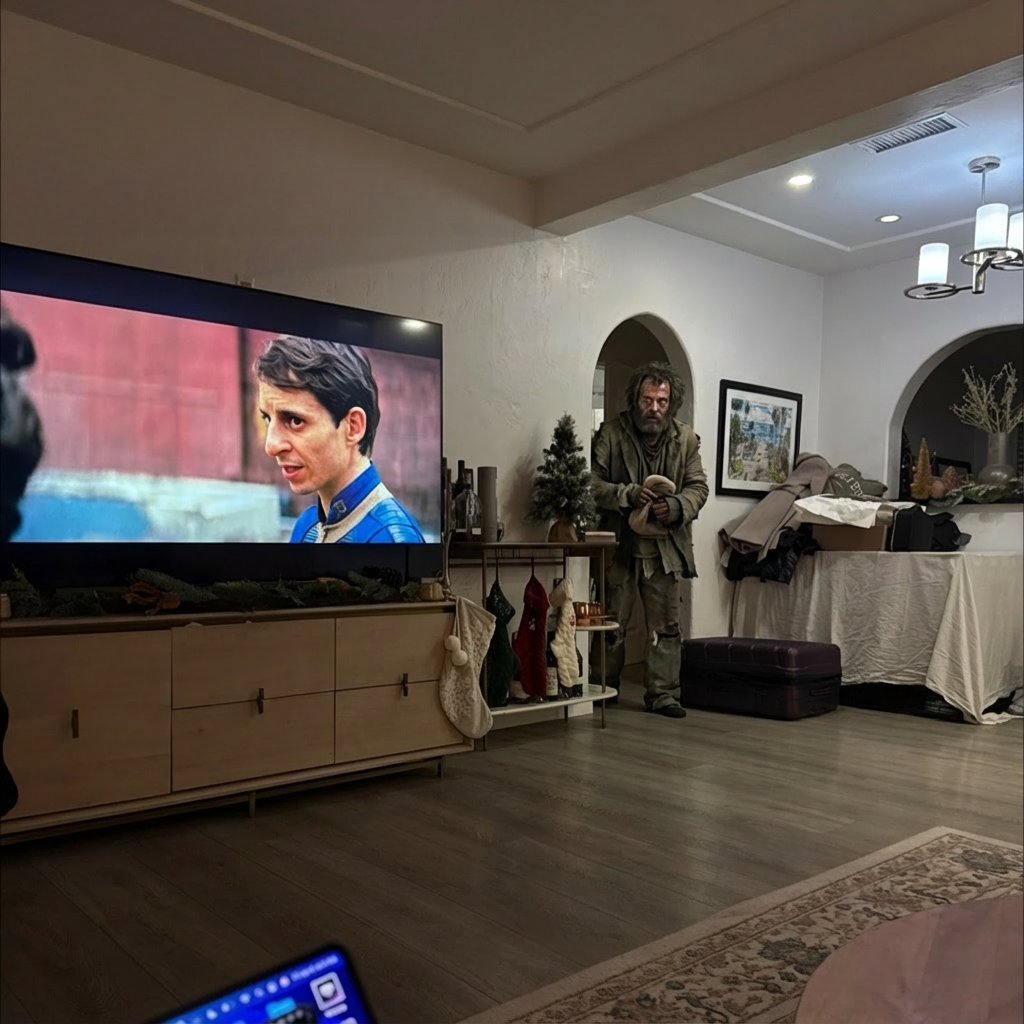
AI Photo Relighting Examples
Real results generated by Gluely users. Tap any style to try it.


Try AI Photo Relighting Free
Photorealistic results in seconds. No watermarks. Free credits to start.
Download on App StoreFree on iOS · No account required to start

Related AI Tools
Frequently Asked Questions
How does AI relighting work?
AI relighting analyzes the 3D structure of faces and objects in your photo, then simulates new lighting conditions. It adds realistic shadows, highlights, and ambient light as if the photo were taken in a completely different environment.
Can I add studio lighting to a selfie?
Yes! Upload any selfie and Gluely's AI will add professional studio lighting — Rembrandt, butterfly, loop, or split lighting patterns. The results look like they were shot by a professional photographer.
Is AI photo relighting free?
Gluely includes free credits for photo relighting when you download. Try studio-quality lighting on any photo without paying. Premium subscriptions start at $7.99/week.
What photos work best with AI relighting?
Portraits and selfies work best since the AI can analyze facial structure for accurate lighting. But any photo with clear subjects — product shots, objects, or scenes — can be relit with great results.
Download Gluely Free
Photorealistic results in seconds. No watermarks. Free credits to start.
Download on App StoreFree on iOS · No account required to start
Published by Gluely · Updated March 2026