

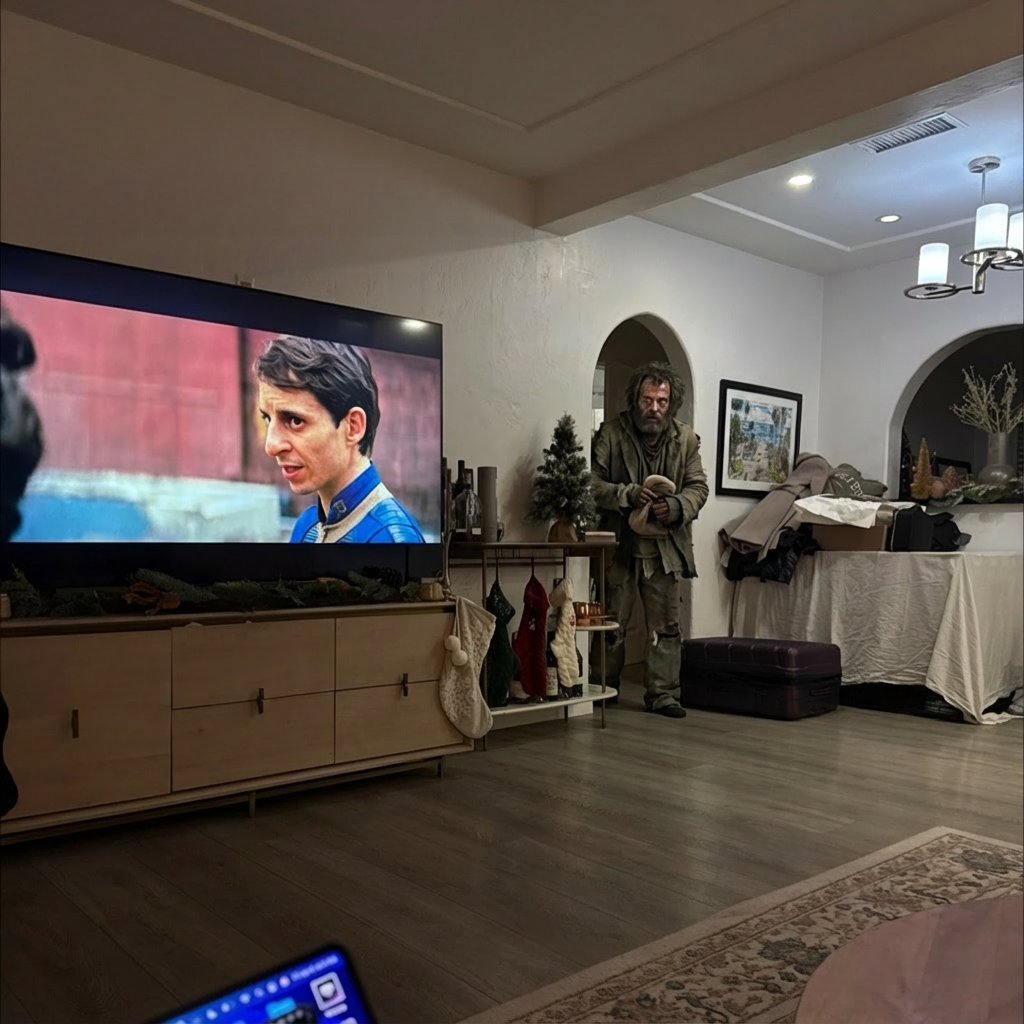
Example results generated with Gluely
AI Influencer Generator
Create a consistent AI influencer from 28 photorealistic character presets or your own face. iPhone-style realism, reusable across scenes. Free to try on iOS.
76+
AI Styles
4.8
App Store
Free
To Start
Free on iOS · No account needed
About AI Influencer Generator
The hard part of running an AI influencer account was never one good image. It is keeping the same person recognizable across a hundred posts in different scenes, outfits, and lighting. Gluely solves that with a character system instead of a prompt box. Pick one of 28 pre-engineered AI characters (mirror selfie, gym girl, beach, car selfie, old money, and more), generate, and post. Each preset is a hand-tuned prompt built to output photorealistic iPhone-style photos, with the digital noise, natural skin texture, and imperfect lighting that make a feed read as real.
Want the influencer to be you? Save a clear face photo once with My Faces and the AI preserves your identity across every character and scene. The same face at the cafe, at the gym, on the beach. That reusable identity is what turns scattered generations into an account people follow. Under the hood it runs on Nano Banana 2 with identity preservation, so post 50 still matches post 1.
Everything is full resolution with no watermarks, and the images are yours to post anywhere. When you want motion, animate any character photo into a video clip with the built-in image-to-video models. One honest note: Gluely is iOS only for now, and ongoing generation runs on a subscription after the 3-day trial.
Key Features
28 photorealistic character presets
Each character is a pre-built persona with its own scene, outfit, and camera setup. No prompt writing. Tap a character and get an iPhone-style photo that looks shot by a friend, not rendered.
Your face, every scene
Save your face once with My Faces and reuse it across all characters, styles, and scenes. The AI keeps your features consistent, which is the whole game for a persona account.
iPhone realism, not render gloss
Presets are tuned for candid smartphone output: natural skin texture, soft window light, slight noise, imperfect framing. The look that passes a 3-second scroll test.
Photos to video in one app
Animate any character image into a short clip with Kling or Veo image-to-video, then trim and caption it in the built-in editor. The full posting pipeline stays on your phone.
Use Cases
Run an AI persona account
Build a TikTok or Instagram account around one consistent character. Generate a week of posts in one sitting, varying scenes while the face stays locked.
Faceless brand content
Give a brand or niche page a recurring host without hiring a model. The same character can present products, outfits, and locations across the whole feed.
An AI version of yourself
Post as yourself in places and outfits you never shot. Creators use this to keep a daily posting cadence without daily photoshoots.
Test content angles cheaply
Try a fitness persona, an old-money aesthetic, and a travel character in the same afternoon, and let engagement data pick the winner before you invest in one.
How It Works
Pick a Character or Add Your Face
Choose from 28 presets, or save a clear selfie to My Faces to make the influencer look like you.
Generate Across Scenes
Tap through scenes and styles. The AI keeps the same face and vibe in every output.
Post or Animate
Save full-resolution photos, or turn any image into a video clip and caption it in the editor.
AI Influencer Generator Examples
Real results generated by Gluely users. Tap any style to try it.


Try AI Influencer Generator Free
Photorealistic results in seconds. No watermarks. Free credits to start.
Download on App StoreFree on iOS · No account required to start

Related AI Tools
AI Avatar Generator
Create high-quality AI avatars from your photos. Anime, Pixar, 3D, realistic, an...
AI Image Generator
Generate photorealistic AI images from text prompts or photos. 76+ styles includ...
AI Portrait Generator
Create photorealistic AI portraits from any photo. Professional, artistic, and c...
Frequently Asked Questions
How do I create an AI influencer?
Download Gluely on iOS, pick one of the 28 AI character presets or save your own face with My Faces, and generate. Each preset outputs photorealistic iPhone-style photos, and the identity stays consistent across scenes so you can build a real posting schedule around one character.
Can I make the AI influencer look like me?
Yes. Save a clear, well-lit face photo with My Faces and the AI preserves your features across every character and scene. You get a consistent AI version of yourself without shooting new photos for every post.
How does Gluely keep the character consistent?
Generations run on Nano Banana 2 with identity preservation, anchored to your saved face. That keeps facial features stable across different scenes, outfits, and lighting, which is the main thing prompt-based tools struggle with.
Is there a free AI influencer generator?
Gluely includes a 3-day free trial with starter credits, enough to generate a first batch of character photos before paying. After the trial, subscriptions start at $7.99/week. Fully free tools exist but generally cannot hold a consistent face across posts.
Do the photos look real?
The presets are tuned for candid smartphone realism: natural skin texture, visible pores, soft directional light, slight digital noise. They read as photos taken by a friend on an iPhone rather than AI renders. Close inspection can still reveal artifacts, as with any AI image.
Can I make videos of my AI influencer?
Yes. Any character image can be animated into a short video clip using the image-to-video models built into Gluely (Kling, Veo). Video of a consistent character is one of the strongest engagement formats for AI persona accounts right now.
Download Gluely Free
Photorealistic results in seconds. No watermarks. Free credits to start.
Download on App StoreFree on iOS · No account required to start
Published by Gluely · Updated March 2026