

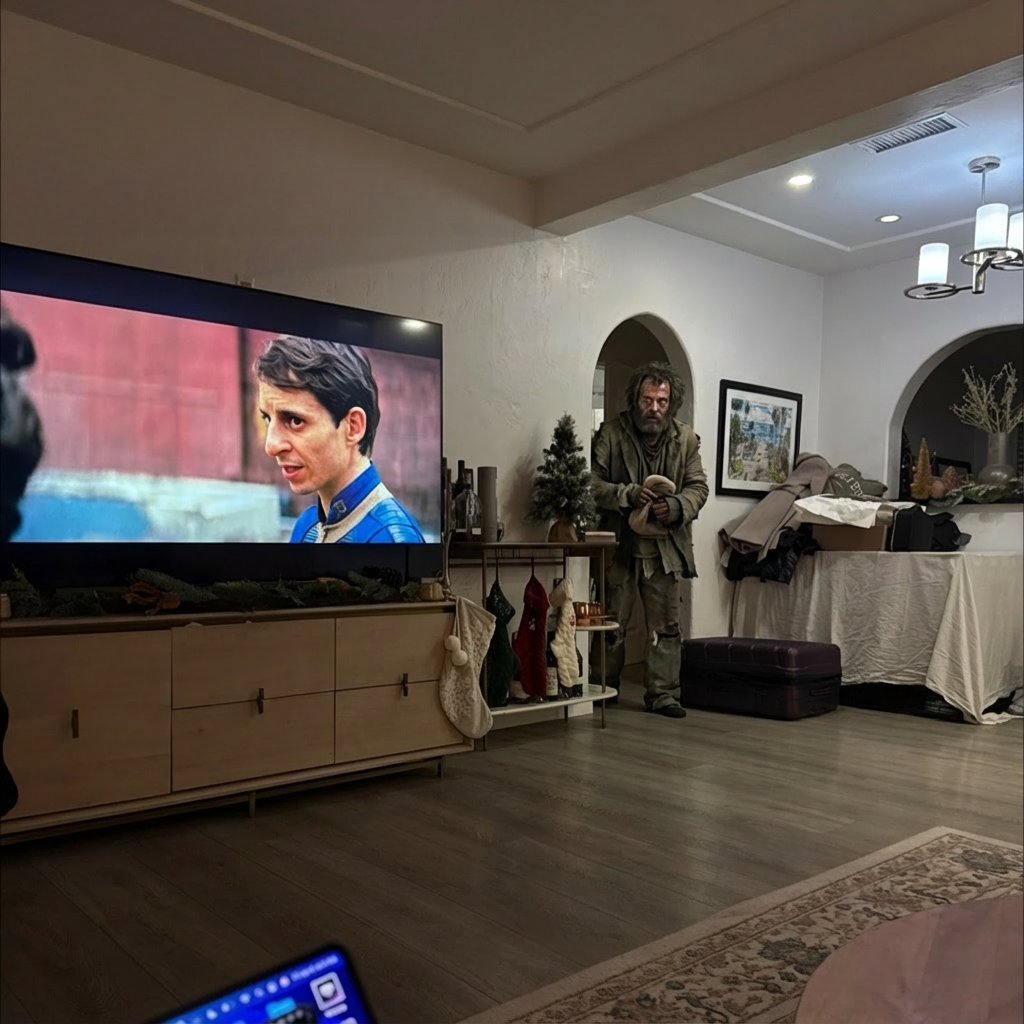
Example results generated with Gluely
AI Add Person to Photo — Realistic Results in Seconds
Add a person to any photo with AI. Insert people into scenes with realistic lighting and perspective. AI photo editing free on iOS.
76+
AI Styles
4.8
App Store
Free
To Start
Free on iOS · No account needed
About AI Add Person to Photo
Gluely's AI lets you add people into any photo with photorealistic results. The AI matches lighting, perspective, and scale automatically — inserted people look like they were actually in the original scene.
Perfect for creating group photos when someone was missing, placing yourself into dream destinations, or creating creative compositions. Our AI handles the complex blending so results look natural and seamless.
How It Works
Upload Your Photos
Select the background photo and a photo of the person to add.
AI Composites
Our AI matches lighting, scale, and perspective for a seamless blend.
Download Result
Save your composite photo — looks like everyone was really there.
AI Add Person to Photo Examples
Real results generated by Gluely users. Tap any style to try it.


Try AI Add Person to Photo Free
Photorealistic results in seconds. No watermarks. Free credits to start.
Download on App StoreFree on iOS · No account required to start

Related AI Tools
Frequently Asked Questions
How do I add a person to a photo with AI?
Download Gluely free on iOS, upload the scene photo and a photo of the person. Our AI automatically matches lighting, perspective, and scale to insert the person naturally into the scene.
Can AI add someone to a group photo?
Yes! Our AI is perfect for adding missing people to group photos. It matches the existing lighting and perspective so the added person looks like they were actually there when the photo was taken.
Is adding a person to a photo free?
Gluely includes free credits for AI photo editing when you download. Try adding people to photos without paying. Premium subscriptions start at $7.99/week for unlimited edits.
Does AI make inserted people look realistic?
Gluely's AI automatically handles the hardest parts — matching lighting, shadows, color temperature, and perspective. The results are photorealistic and natural-looking, not like obvious cut-and-paste edits.
Download Gluely Free
Photorealistic results in seconds. No watermarks. Free credits to start.
Download on App StoreFree on iOS · No account required to start
Published by Gluely · Updated March 2026