Turn a Photo Into a Painting with AI
Turn any photo into AI artwork — Ghibli, anime, Pixar, oil painting, watercolor, and more. Upload a picture and turn it into a painting in seconds.
About AI Photo to Painting
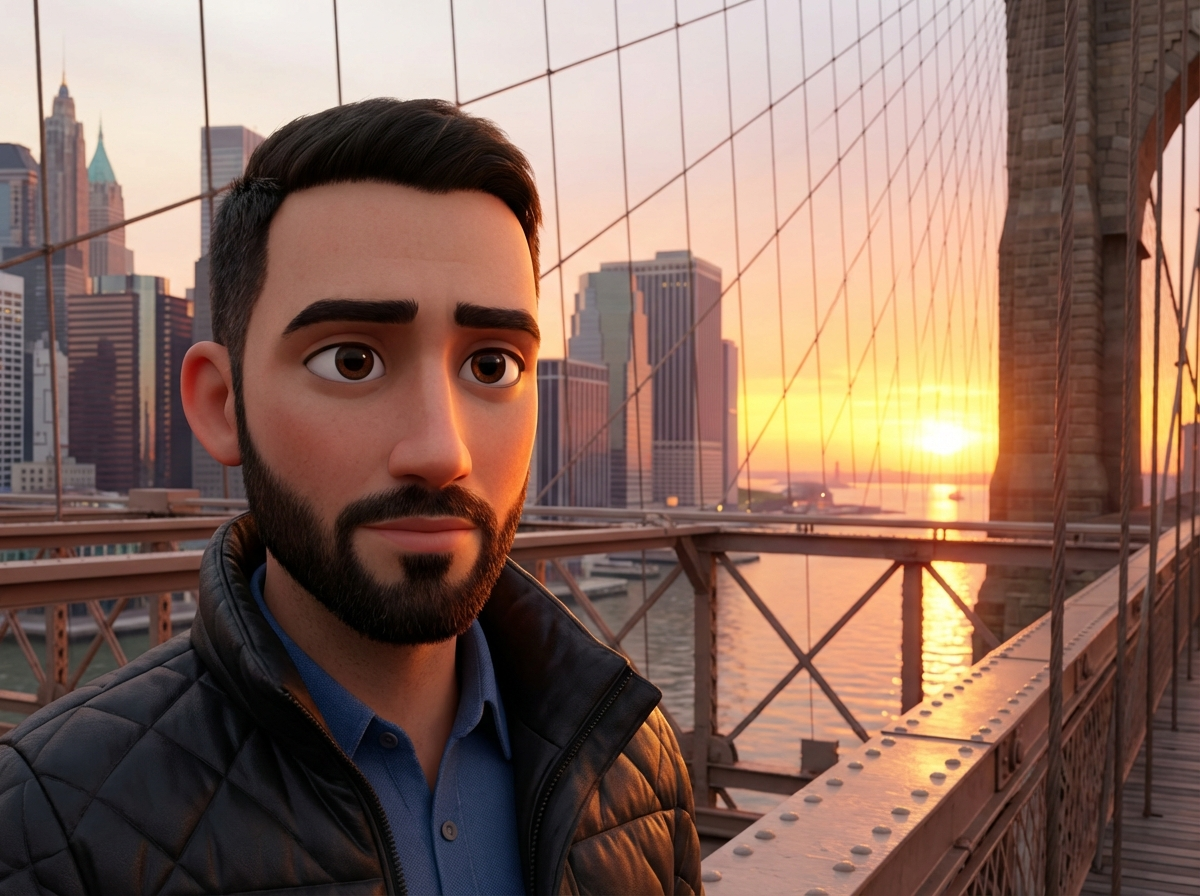
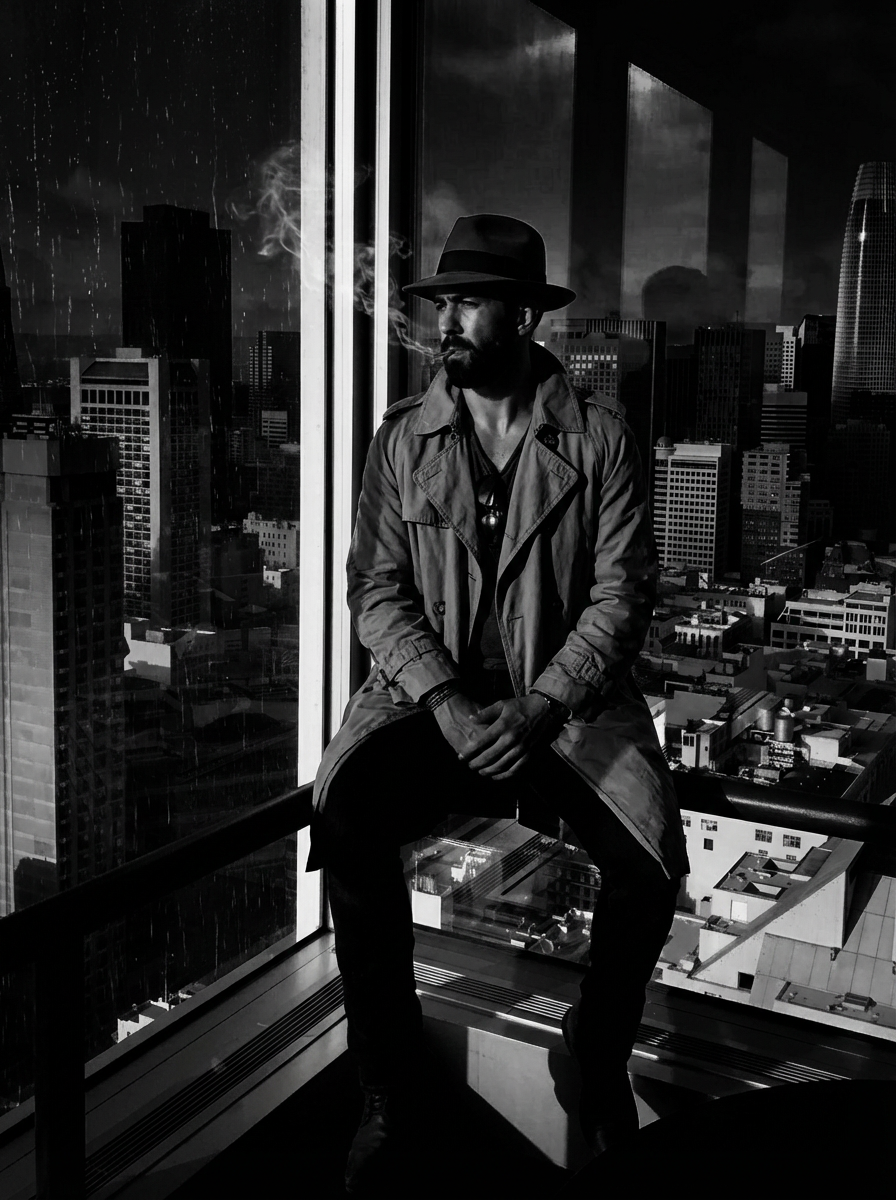
Want to turn a photo into a painting? Gluely's AI art generator transforms your photos into detailed artworks across 20+ styles. From the hand-painted warmth of Studio Ghibli to the clean 3D aesthetic of Pixar, from classic anime to magical fantasy illustrations — every style produces high-fidelity results.
Turn selfies into anime characters, transform landscapes into oil paintings, or convert family photos into Ghibli scenes. Our AI preserves your likeness while applying the artistic style of your choice. No artistic skills or complex prompts required.
Try Photo to Painting Free
Photorealistic results in seconds. No watermarks. Free credits to start.
Download on App StoreFree on iOS · No account required to start






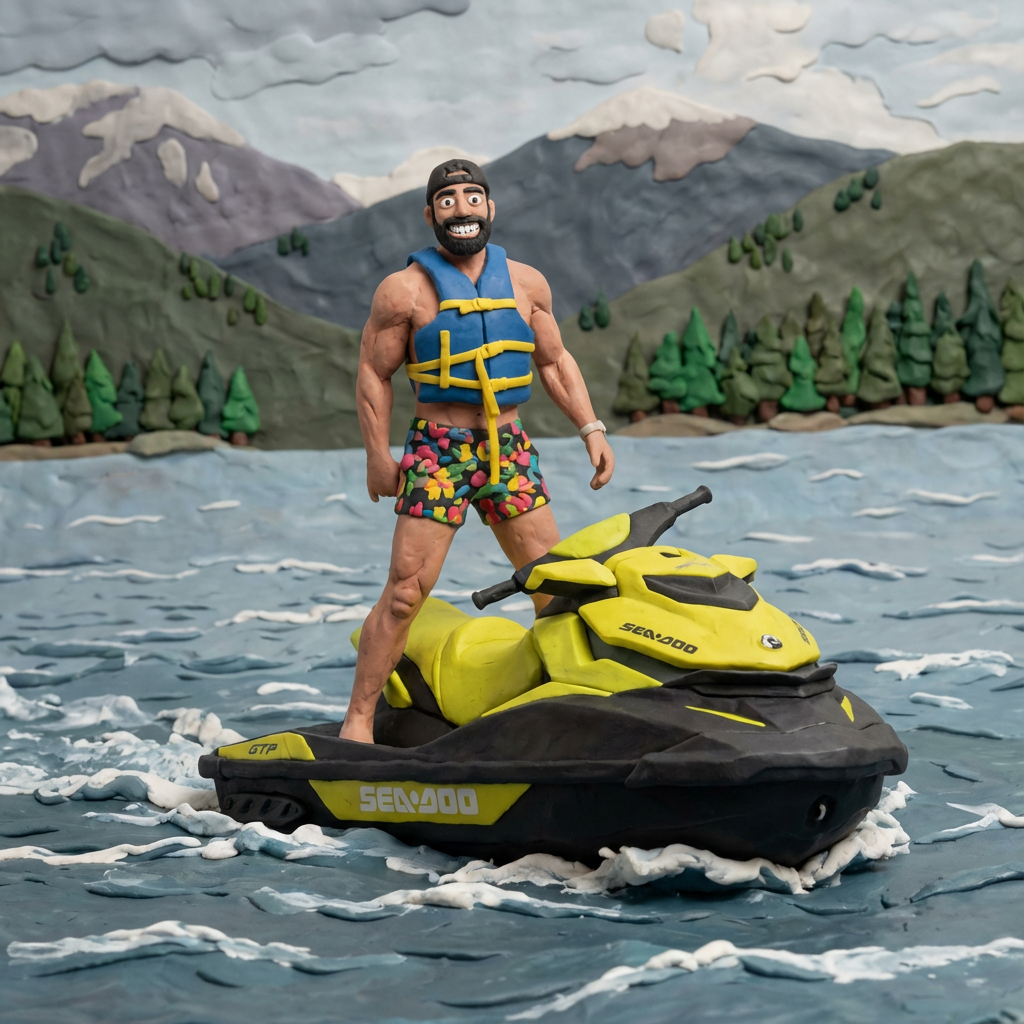
Key Features
Oil, watercolor, impressionist, and pencil
Four distinct painting-style engines, each tuned to the brushwork, color behavior, and texture of the real medium.
Preserved facial likeness
Your face still reads as you even through heavy stylization. Friends and family recognize the subject instantly.
Canvas texture & brush direction
Output includes actual canvas grain and directional brushstroke synthesis — visible when printed, not just a filter overlay.
Print-ready resolution
High-resolution export suitable for giclée prints, framed wall art, and commissioned-gift-style print services.
Subject isolation
Smart foreground-background handling ensures the portrait subject stays the focal point, with painterly background rendering instead of cluttered photo detail.
Style mix-and-match
Combine realism level, medium, and color palette independently — e.g., impressionist brushwork with muted monochrome.
Use Cases
Gift givers
Turn a photo of a parent, partner, or pet into an oil-painting-style portrait and print it as a framed gift.
Small print-on-demand sellers
Offer custom portrait-to-painting products on Etsy or Shopify without running a paint-by-numbers workshop.
Content creators
Use painterly versions of yourself or pets as branding imagery for art-channel or animation-style content.
Interior decorators
Mock up custom wall art for clients from their own photos before committing to a commissioned painter.
Memorial artists
Transform a photograph of a loved one into a painterly portrait for memorial displays or remembrance gifts.
How It Works
Upload Your Photo
Take a selfie or upload any photo from your camera roll.
AI Generates
Our AI transforms your photo in seconds with photorealistic quality.
Download & Share
Save your creation or share directly to social media.



Browse Categories
Related AI Tools
Frequently Asked Questions
How do I turn a photo into a painting with AI?
Download Gluely free on iOS, upload any photo, and choose a painting style — Ghibli, anime, Pixar, oil painting, watercolor, and more. Our AI transforms your photo into a photorealistic artwork in seconds. No artistic skills needed.
What painting styles are available?
Gluely offers 20+ art and painting styles including Studio Ghibli (hand-painted anime), Pixar/3D clay, retro anime, manga, cyberpunk neon art, fairy tale illustration, vintage photography, and more. New styles are added regularly.
Is turning photos into paintings free?
Yes! Gluely gives you free credits when you download. Turn multiple photos into different painting styles for free. Premium subscriptions start at $7.99/week for unlimited transformations.
Can I turn a picture into a painting on my phone?
Absolutely. Gluely is available free on iOS. Upload any photo from your camera roll, select a painting style, and get your AI artwork in seconds. No desktop software or Photoshop needed.
Download Gluely Free
Photorealistic results in seconds. No watermarks. Free credits to start.
Download on App StoreFree on iOS · No account required to start
Published by Gluely · Updated March 2026